Private AI. Local operations. Real-world deployment.
Your intelligence, closer to the work.
Smart Tools helps teams deploy offline AI, local data workflows and resilient field communications—with documented technical paths and a clear route from pilot to deployment.
Start with one workflow. Agree the scope. Measure the result.
THE SMART TOOLS SOLUTION STACK01—04
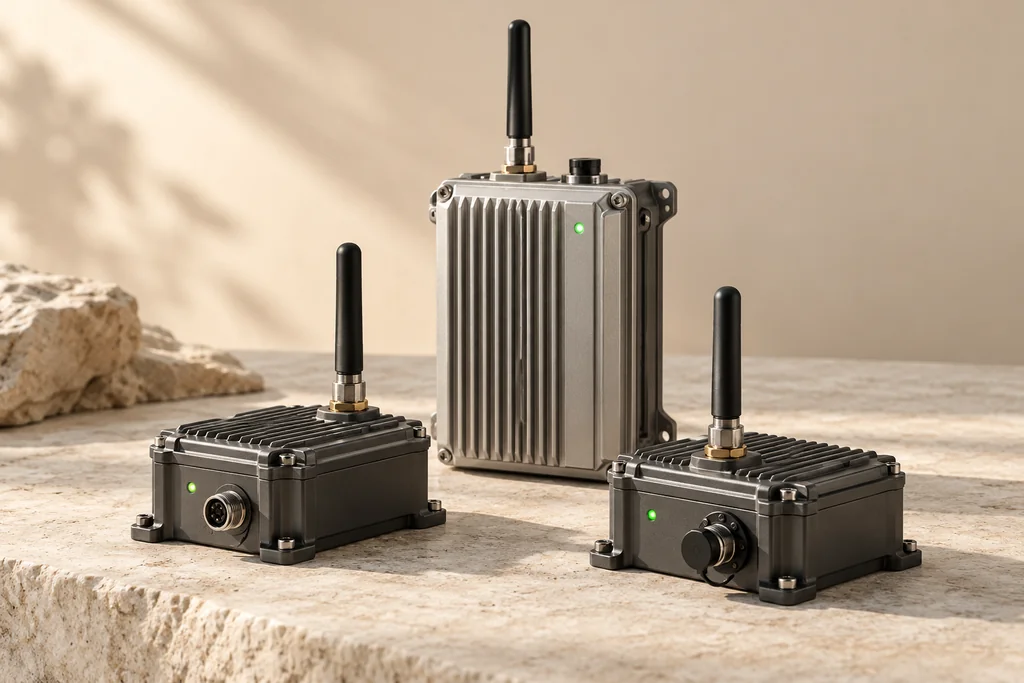
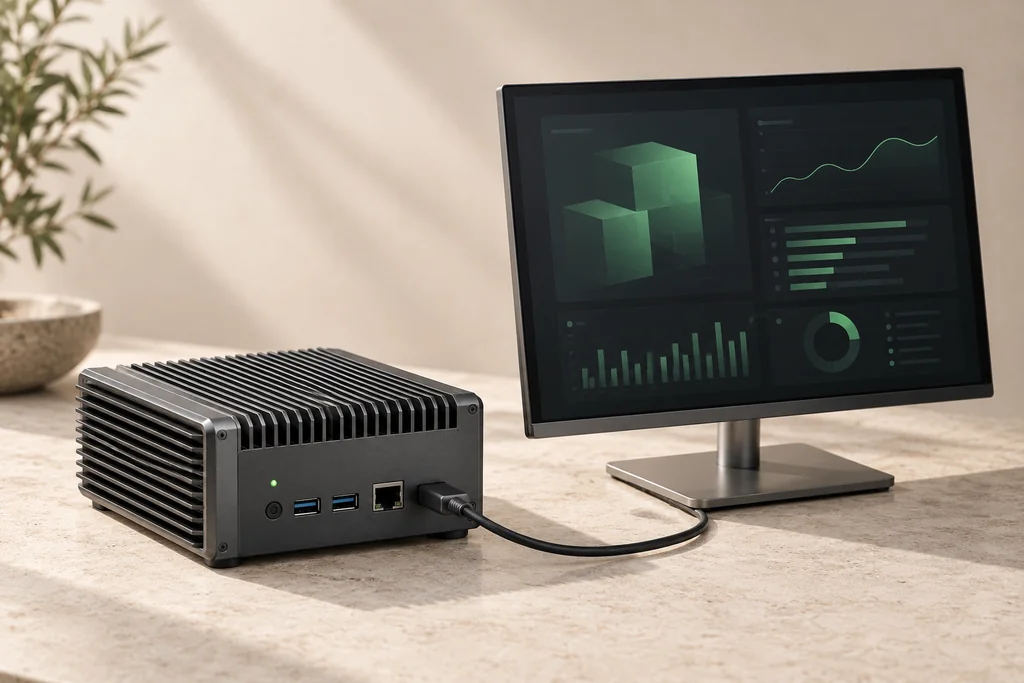
AI-generated equipment concept. Final hardware and software are selected for your project.
Local intelligenceEssential data, connectedReplaceable hardware pathsOne integration owner
01 / WHAT WE DELIVER
Four building blocks. One practical system.
Use one module to solve a focused problem, or combine them into an integrated pilot. We define the interfaces and acceptance criteria with you.
01 / LOCAL INTELLIGENCE
Offline AI Core
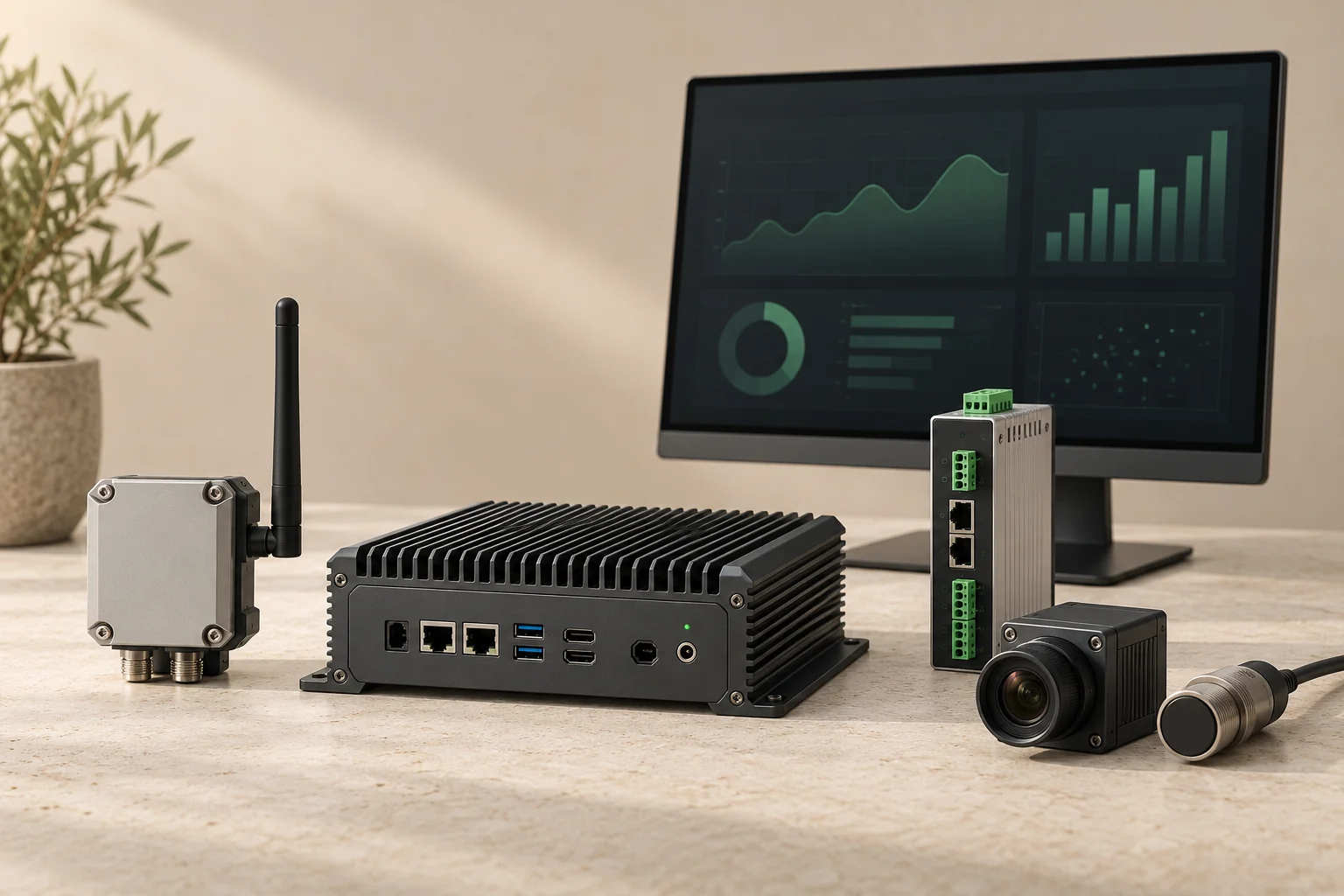
Ask questions of private documents or analyse selected sensor and camera inputs on a local computer. Keep the agreed core workflow running without an internet connection.
YOUR WORK PACKAGE
Local runtime, approved model, knowledge or event workflow, and an offline acceptance report.
What we need from you
A representative dataset, permission to use it, the task to perform, available compute and a measurable quality target. Model licence, memory, accuracy and speed are confirmed for that configuration.
Exchange short messages, health updates and alerts between field nodes. Add a persistent queue so events can wait for a usable route and synchronise when it returns.
YOUR WORK PACKAGE
Node configuration, message schema, queue/retry logic and a link-loss test record.
What we need from you
Operating country, site layout, message size and frequency, power availability and required delay. Radio selection, lawful regional settings and coverage need project-specific confirmation. Low-bandwidth radio carries compact events, not video.
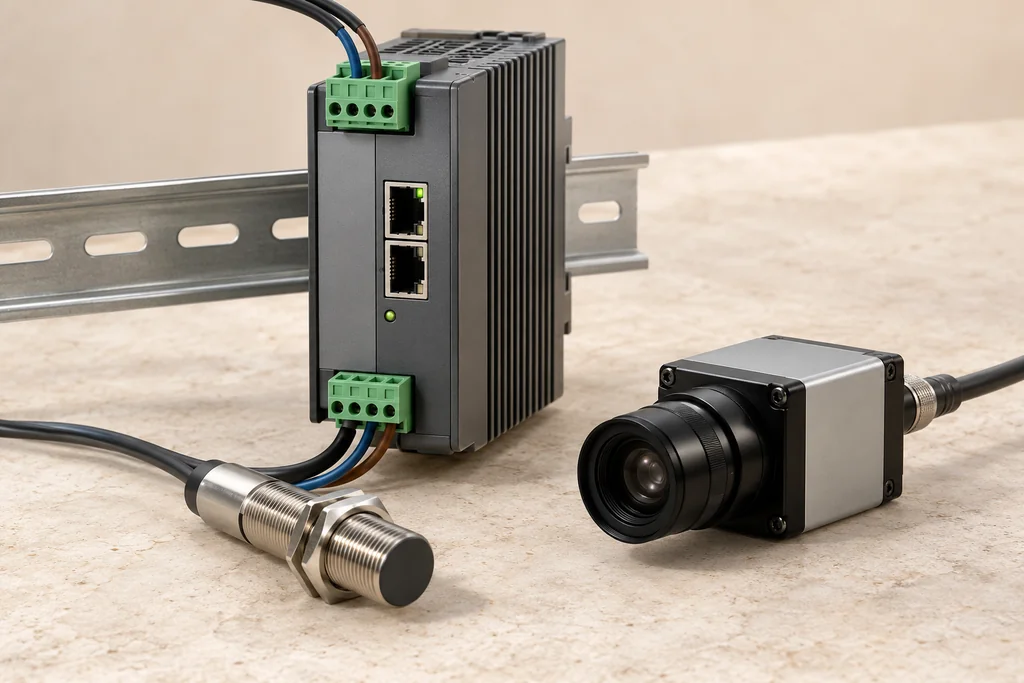
Bring selected machine and sensor data into a consistent local workflow. Connect gateways, serial devices and local APIs without making a public cloud the default destination.
YOUR WORK PACKAGE
Interface map, connector, timestamped data schema, local API and sample data export.
What we need from you
Device manuals, protocol/register map, sample readings, network access rules and read/write boundaries. Modbus, MQTT and OPC UA paths are reviewed per device. Begin with read-only data; any control function needs a separate scope.
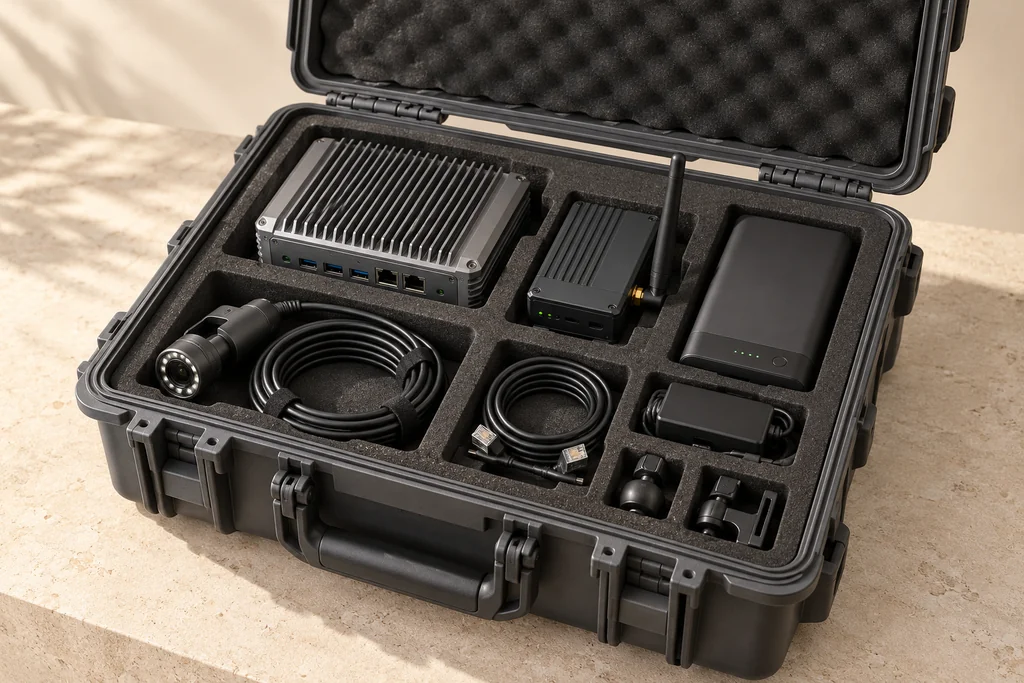
Package the agreed compute, communications, sensing and power components into a manageable pilot setup—with a clear installation and handover plan.
YOUR WORK PACKAGE
Configuration list, installation guide, recovery procedure and measured pilot evidence.
What we need from you
Site access, mounting space, power, temperature and environmental limits, existing equipment and the person accepting delivery. Enclosure suitability, battery runtime, component supply and site readiness remain configuration-specific.
All equipment visuals on this page are de-branded concept illustrations, not photographs of delivered systems.
02 / TECHNICAL BACKING
Real paths. Clear evidence boundaries.
Each solution has at least one documented technical path. Public software documentation and hardware product information have been reviewed; Taiwan-based sourcing options are identified across compute and industrial integration.
Component evidence supports a starting point. System qualification, supplier availability and project performance are confirmed during scoping and testing.
SolutionBacking todayConfirm in your pilot
Offline AI Core ST-OAI-01Local runtime path documentedModel licence, task quality, memory and latency
MeshLink Communications ST-OAI-02Node and radio path identifiedRegional configuration, delivery, retries and recovery
Industrial Data Integration ST-OAI-03Gateway/protocol path documentedDevice compatibility, access, units and timestamps
A field event is processed locally. A small alert travels over an available link. Larger files wait for a suitable connection. Select a state to see the intended behaviour.
FIELD NODE
◎
Sense & analyse
Create a compact event. Keep the original image on local storage.
LOCAL PROCESSING
→
RELAY / TRANSPORT
⌁
Route & retain
Send the small event through an available node-to-node path.
PATH AVAILABLE
→
LOCAL OPERATIONS HUB
▤
Review & record
Show the received event in the local dashboard and retain its receipt.
EVENT RECEIVED
ILLUSTRATIVE WORKFLOW
Core analysis and the local dashboard are designed to work on the local network. Internet access is separate from the field link.
This interactive explanation is not a running mesh, measured benchmark or completed pilot. Low-bandwidth messaging is for short events; images, video and model files use local storage or an approved higher-bandwidth link. Primary machine and safety controls remain outside this initial scope.
04 / WHY IT MATTERS
A smaller first step. A clearer deployment decision.
For industrial buyers, engineering managers and technical evaluators who need a useful system—and the evidence to decide what comes next.
01
Shorten the path to a PoC
Start from identified components and a defined workflow. Spend the pilot testing what matters to your operation.
02
Make integration risk visible
Document interfaces, failures and recovery. Review measured results before expanding the scope.
03
Keep data under your control
Agree what stays on site, who can access it and what may synchronise. Verify the policy in the selected setup.
04
Keep your hardware options open
Separate application logic from hardware-specific adapters. Qualify replacements and extra nodes as the system grows.
05 / ENGAGEMENT MODELS
Start at the right scale.
These are scoped service engagements. Pricing, schedule, equipment and support commitments are agreed in a written proposal after review.
01Discovery WorkshopTurn the need into a testable brief.+
You receive: a workflow map, data boundaries, interface inventory and a prioritised pilot brief.
You bring: an operational owner, the problem, example data and current equipment details.
023-Node Offline DemoOne hub, one field node, one relay.+
You receive: a scoped bench demonstration, exact component/version list, event log and a report covering WAN isolation, link loss, restart and reconnection.
You bring: a representative event, agreed test conditions and operating region. Hardware and legal radio settings must be confirmed before radio tests.
04Custom IntegrationFit the workflow to your environment.+
You receive: agreed connectors, local APIs, workflow orchestration, configuration and integration tests.
You bring: interface documentation, access rights, a representative environment and change constraints. Scope and IP/licensing terms are agreed before development.
05Annual Support & UpdatesMaintain the configuration you have accepted.+
You receive: the agreed maintenance window, version reviews, update/rollback procedures and support channel for your accepted system.
You bring: deployment inventory, access policy and the support coverage needed. Service levels, update licences and field support are quoted separately.
Desktop review → bench demonstration → controlled site pilot → deployment decision.
Offline operation: disconnect WAN and verify the agreed local tasks.
Loss & recovery: interrupt a link, restart a node and reconcile event IDs.
Performance: record the workload, configuration, latency, errors and resource use.
Handover: export logs, configuration, licences, known limitations and a recovery runbook.
06 / HOW SMART TOOLS WORKS
One owner for the integration logic.
Smart Tools defines the solution architecture, owns the Smart Tools orchestration and workflow layer, and coordinates delivery. Third-party components and open-source software retain their own ownership and licence terms.
DESIGN
Translate your operation into interfaces, data rules and acceptance criteria.
INTEGRATE
Connect approved components through software, configuration and local workflows.
DELIVER
Coordinate installation, testing, documentation and the agreed handover.
07 / LET’S MAKE IT CONCRETE
Bring one problem. Leave with a clear next step.
Tell us where the work happens, what must stay local and what success should look like. We’ll use that context to assess scope and prepare the next discussion.
What happens next
Your enquiry is saved to the Smart Tools coordination inbox with this solution and your selected work package. Technical ownership, availability, price and delivery dates are confirmed per project.
No payment is taken here. Submission does not book a deployment or automatically email a supplier.
Unknown details are welcome. Please do not upload confidential files or credentials in this form.
 01 / LOCAL INTELLIGENCE